Android APK · Free · v2.6.3
Download the jk8a App
Play Anywhere in Malaysia
The jk8a App puts over 5,400 games — slots, live tables, fishing and sports betting — right in your pocket. No Google Play needed: download the APK directly, install in under two minutes, and log in with your existing account.
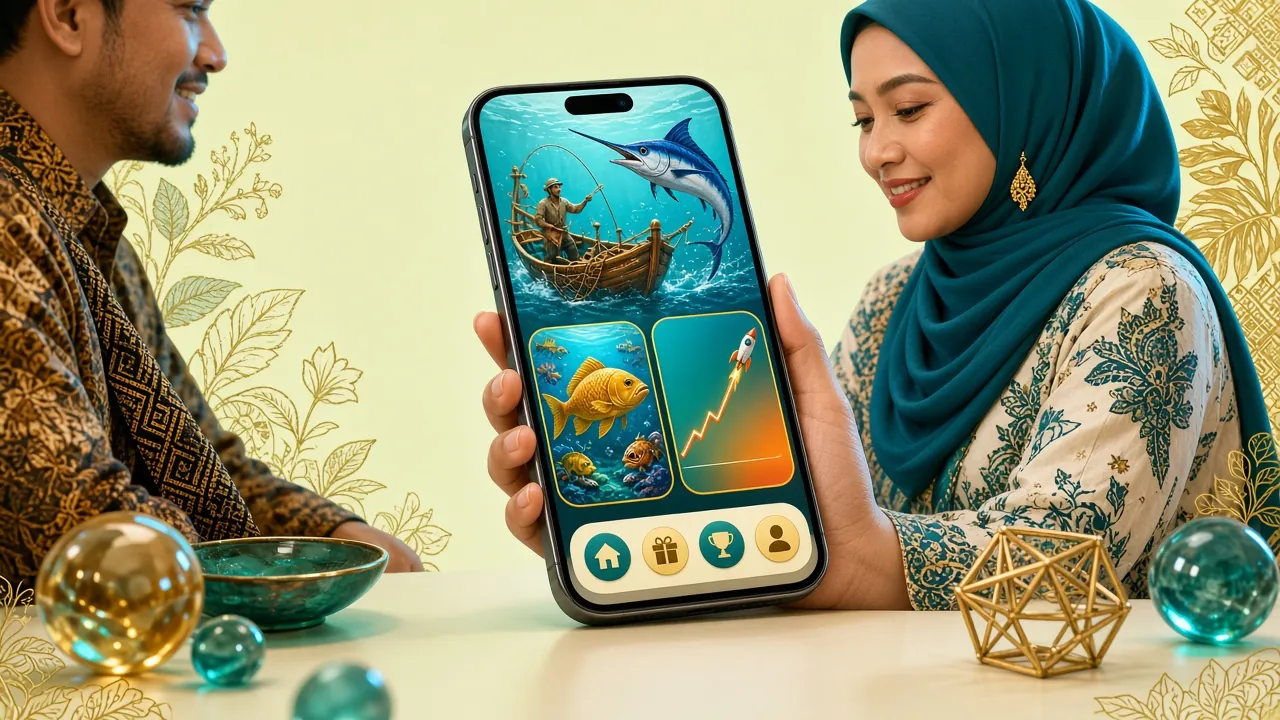
What the jk8a App Puts at Your Fingertips
The app is a full-featured client — not a stripped-down mobile site. Every game category, payment option and account tool available on the desktop is accessible here.
Slots & Arcade Games
Access titles from Evolution, JILI, JDB, Habanero and CQ9 — including Plants vs Dino (RTP 97.3%), Diamond Tycoon and Monster Triple. Filters let you sort by provider, RTP or new arrivals without leaving the app.
Live Dealer Tables
Stream live baccarat, roulette and blackjack from Evolution and Sexy Gaming studios in HD. The app maintains a stable stream on 4G/5G and switches quality automatically when your signal drops, so the game never freezes mid-hand.
Fishing Games
Cat Fishing, Cannon Fishing, Lucky Gods Fishing and Pirate Fishing are all playable with touch controls optimised for portrait and landscape. Tap to aim, hold to charge — the mobile controls feel more natural than a mouse click.
Sports Betting
Place pre-match and in-play bets on Malaysian football, EPL, La Liga, badminton and more. Live odds update in real time and bet slips are stored locally so you can review them offline before submitting.
Deposits & Withdrawals
Top up via Touch 'n Go eWallet, DuitNow, FPX or Bank Transfer — all from the app's Cashier tab. Minimum deposit is RM40 and funds arrive in about 3 minutes. Withdrawal requests are processed within 43 minutes on average.
Promotions & Notifications
Opt in to push notifications and get alerted when your withdrawal is approved, when a reload bonus activates, or when a time-limited tournament starts. You can manage notification preferences individually under Account Settings.
Safe to Install — What the App Does and Doesn't Access
The jk8a APK is built and maintained in-house. Here is a plain-language breakdown of the permissions requested and why each one is needed.
SSL Encryption on Every Request
All data between the app and jk8a servers travels over TLS 1.3. Your account credentials, payment details and session tokens are never sent in plain text. The app will refuse to connect if the server certificate cannot be verified — protecting you on public Wi-Fi.
No Camera or Microphone Access
The jk8a App does not request access to your camera, microphone or contacts. The only sensitive permission is storage access — required to save the APK update file when a new version is released. You can review the full permission list in your Android Settings at any time.
Direct APK — No Third-Party Stores
Download only from jk8a.cam/download/jk8a.apk. Files from third-party APK sites may be repackaged with malware. The genuine file is 41 MB; if the file you downloaded is significantly larger or smaller, delete it and re-download from this page.
Two-Step Account Protection
Your jk8a login session on the app is device-bound. If you log in from a new device, a verification step is triggered. Never share your 6-digit PIN or password with anyone — jk8a customer support will never ask for your password via Live Chat or message.
Version Details & System Requirements
Check that your Android device meets the minimum requirements before downloading. The app runs on most mid-range phones made after 2020.
Download Now
Tap the button below to download the official jk8a APK directly to your Android device. No account needed to download — registration takes place after install.
Download jk8a.apk (41 MB)Scan to download on your phone
jk8a.cam
App vs Web Browser — Which Should You Use?
Both options give you full access to the jk8a game library. The table below highlights the practical differences so you can decide which suits your playing style.
| Feature | jk8a App (APK) | Web Browser |
|---|---|---|
| Game Load Speed | Faster (cached assets) | Depends on network |
| Works on Android 10+ | Yes — native APK | Yes — any browser |
| Works on iOS (iPhone/iPad) | Add to Home Screen (PWA) | Safari, Chrome, etc. |
| Push Notifications | Withdrawal alerts, bonuses | Not available |
| Touch Controls for Fishing Games | Optimised tap-to-aim | Mouse or basic touch |
| Deposit via Touch 'n Go / DuitNow | In-app Cashier | Via browser |
| Live Chat Support | Built-in 24/7 | On-site widget |
| Auto Login (biometric) | Fingerprint / Face ID | Password each time |
| Storage Required | 41 MB install | Browser cache only |
| Update Method | Download new APK from jk8a.cam | Always latest — no action needed |
Already have an account? Log in here and jump straight to the lobby. If you are new, register first — takes about 90 seconds.
Install the jk8a APK on Android — 5 Steps
Android blocks APKs from unknown sources by default. You need to allow this once — the setting applies only to this install and you can reverse it immediately after.
-
1
Allow Unknown Sources
Go to your Android Settings → Security (or Privacy → Install Unknown Apps on Android 11+). Find your browser or file manager, and toggle Allow from this source. This one-time setting is needed because jk8a is not on Google Play — the APK is distributed directly from jk8a.cam.
-
2
Download the APK File
Tap the Download jk8a.apk button on this page. Your browser will save jk8a.apk (41 MB) to your Downloads folder. Wait for the download to complete — do not close the browser tab mid-download or the file may be corrupted and the install will fail.
-
3
Open the File & Install
Tap the Open notification that appears after the download, or navigate to your Downloads folder and tap jk8a.apk. Android will show an install prompt — tap Install. The process takes about 15–30 seconds. Do not press the back button during this stage.
-
4
Revoke the Permission
Once installed, return to Settings → Security → Install Unknown Apps and switch the toggle back off for your browser. This is optional but recommended for general device security. The jk8a App is now installed as a trusted app and does not need this permission to run.
-
5
Log In or Register
Open the jk8a App from your home screen. Existing members: tap Log In and enter your credentials — or use fingerprint if your device supports it. New players: tap Register, fill in your details and claim the 205% first-deposit bonus up to RM800. See the jk8a Casino page for the full game list.
iPhone & iPad — Add jk8a to Your Home Screen
Apple's App Store policies prevent direct APK distribution for iOS. The best alternative is to add jk8a.cam as a home-screen shortcut via Safari, which behaves like an app — full-screen, no browser chrome.
-
1
Open in Safari
Navigate to jk8a.cam in Safari. The home-screen feature only works in Safari — Chrome and Firefox on iOS do not support it. Make sure you are on the main lobby page before proceeding.
-
2
Tap the Share Icon
Tap the Share button (the box with an upward arrow) at the bottom of the Safari screen. Scroll down the share sheet until you see Add to Home Screen — it has a plus-sign icon. Tap it.
-
3
Name the Shortcut
A dialog will appear with the name jk8a pre-filled. You can rename it or leave it as is. Tap Add in the top-right corner to confirm. The jk8a icon will appear on your home screen immediately.
-
4
Launch & Play
Tap the jk8a icon on your home screen. The site opens full-screen without the Safari address bar — it looks and feels like a native app. Log in with your jk8a credentials and play as normal. All game categories and the Cashier are fully accessible.
Play These Games in the jk8a App
View All GamesThe app carries the full 5,400-title library. These are some of the most-played games in the mobile lobby right now.


Common Installation Problems & Fixes
If your install does not go smoothly, check the table below before contacting support. Most issues are resolved in under a minute.
| Problem | Likely Cause | How to Fix |
|---|---|---|
| "Install blocked" message | Android's Unknown Sources setting is still off for the browser you used to download. | Go to Settings → Security → Install Unknown Apps, find your browser (e.g. Chrome), and enable Allow from this source. Then re-tap the APK file to retry the install. |
| "App not installed" error after tapping Install | The APK file is corrupted — usually from an interrupted download — or an older version of the app conflicts with the new one. | Delete the downloaded file, go to Settings → Apps and uninstall any existing jk8a App, then re-download jk8a.apk from this page on a stable Wi-Fi connection. |
| App crashes immediately on launch | Device is running Android 9 or earlier, which is below the minimum supported version (Android 10.0). | Check your Android version under Settings → About Phone. If it is below 10.0, use the mobile web version via your phone's browser instead — full functionality, no install required. |
| Download stalls at 0% or never completes | Weak mobile data signal, or your mobile carrier is blocking direct APK downloads. | Switch to Wi-Fi and retry. If the issue persists on Wi-Fi, try a different browser (Firefox, Samsung Internet). Make sure you have at least 80 MB of free storage before downloading. |
| Login fails after installing the new version | Session token from the old version is no longer valid after a major version update. | Tap Forgot Password to request a reset link, or use the same credentials to log in fresh. If your account is locked after several failed attempts, contact 24/7 Live Chat support — they respond within minutes. |
Get the jk8a App on Your Phone
-
Full 5,400-game library
Every slot, fishing game, live table and sports bet available on desktop — all accessible from the app. No features removed for mobile.
-
Direct APK — no app store needed
Download and install in under two minutes on Android 10.0 and above. The 41 MB file is scanned and verified before each release.
-
Stable on 4G, 5G and Wi-Fi
Adaptive streaming keeps live dealer games smooth even when signal varies. Touch 'n Go eWallet and DuitNow deposits work inside the app.
-
v2.6.3 — updated 10 Nov 2026
Log in with your existing account. No new registration required. Settings, balance and bet history carry over automatically.